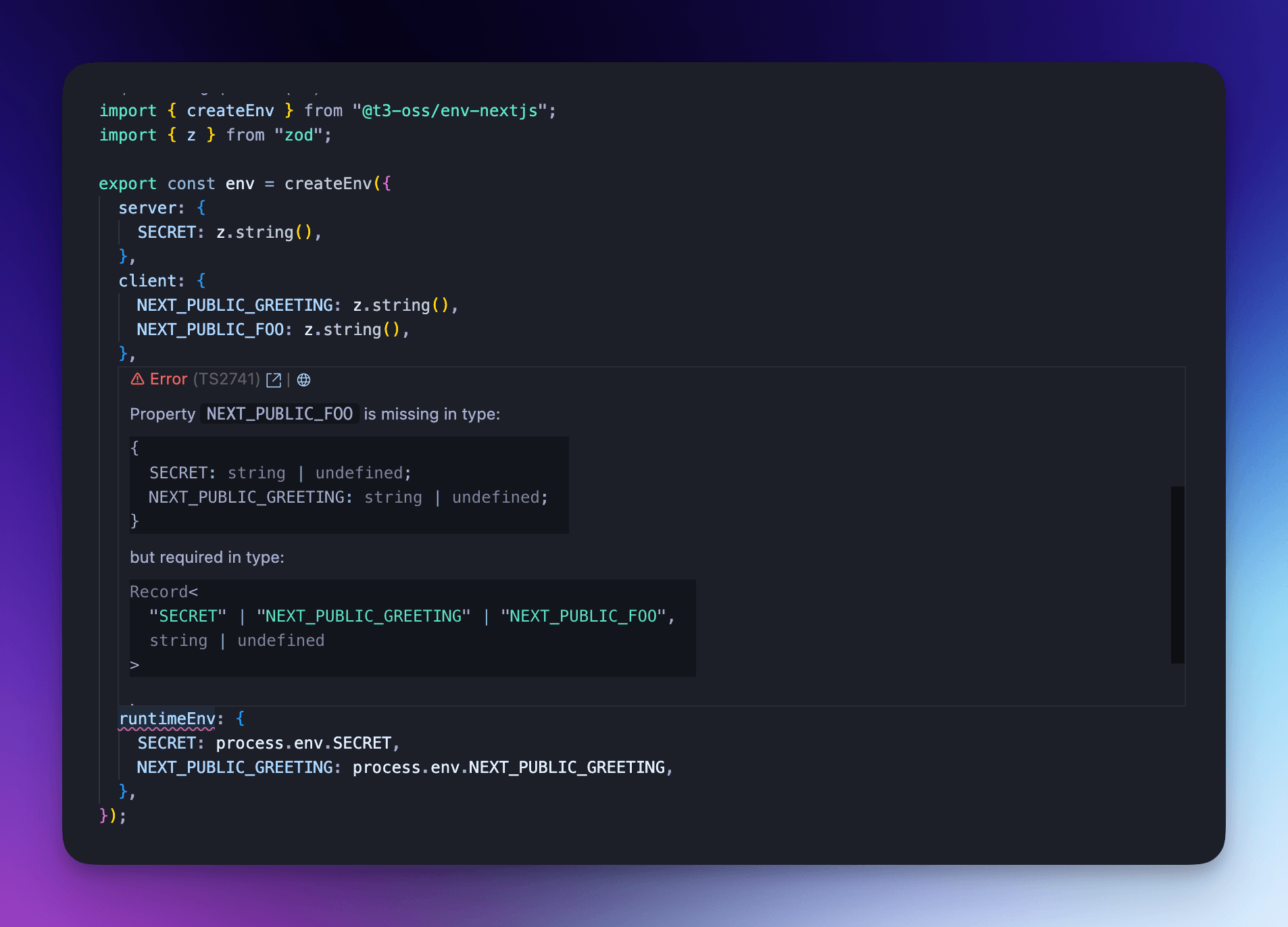
Core
The core package can be used in any framework of your choice. To use it, figure out what prefix your framework uses for exposing environment variables to the client. For example, Astro uses PUBLIC_, while Vite uses VITE_. You should be able to find this in the frameworks documentation.
Install dependencies
First, install the core package:
@nobara/corerequires a minimum of typescript@4.7.2.
Create your schema
Then, you can create your schema like so:
The file below is named env.ts, but you can name it whatever you want. Some frameworks even generate a env.d.ts file that will collide with env.ts, which means you will have to name it something else.
Remove the clientPrefix and client properties if you only want the environment variables to exist on the server.
While defining both the client and server schemas in a single file provides the best developer experience, it also means that your validation schemas for the server variables will be shipped to the client. If you consider the names of your variables sensitive, you should split your schemas into two files.
For all available options, see Customization.
You'll notice that if your clientPrefix is PUBLIC_, you won't be allowed to enter any other keys in the client object without getting type-errors. Below you can see we get a descriptive error when we set VITE_PUBLIC_API_URL instead of PUBLIC_API_URL:
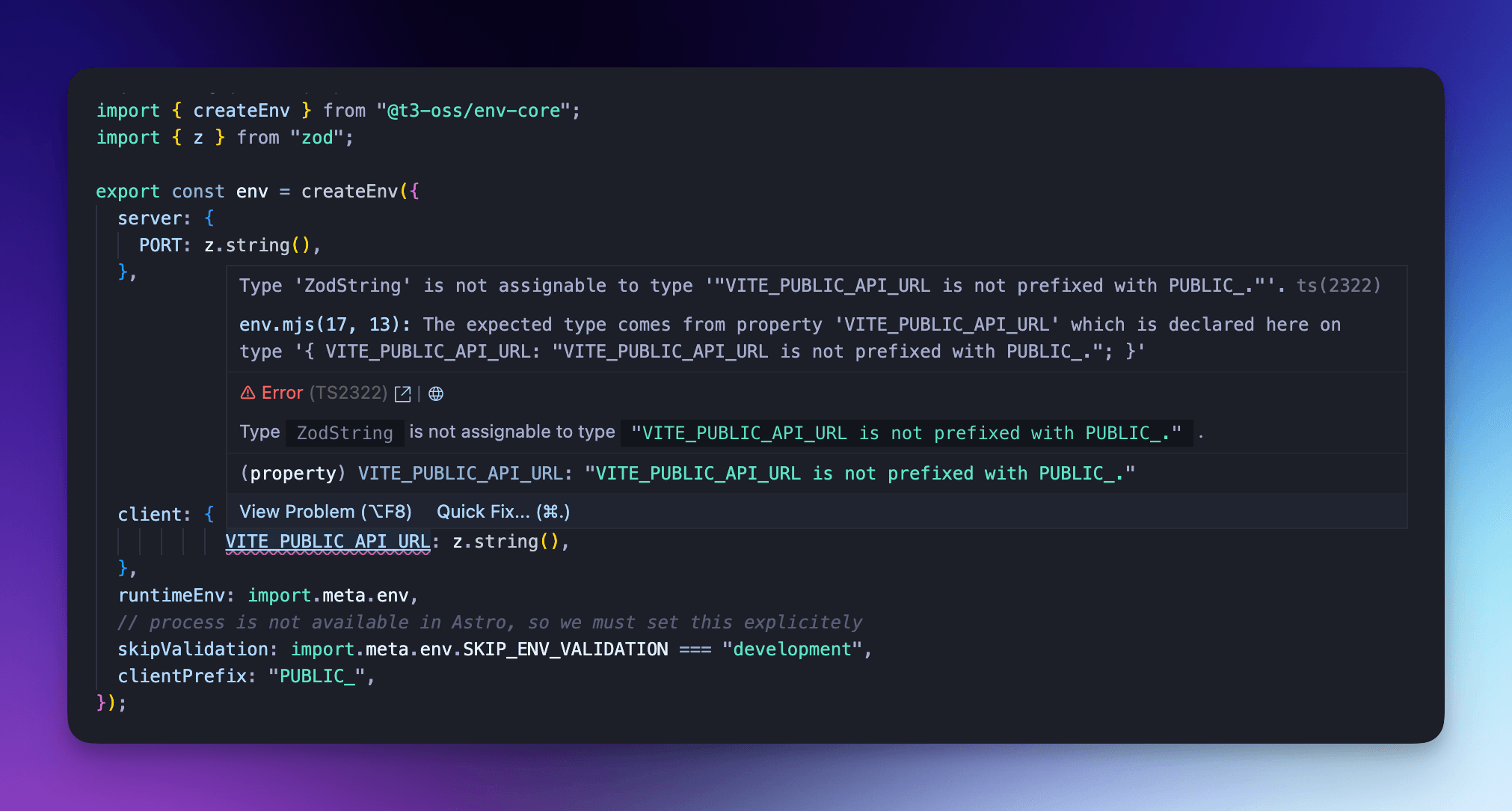
This client prefix is also enforced at runtime to make sure validation works on both the server and client.
Validate schema on build (recommended)
The steps required to validate your schema on build will vary from framework to framework, but you'll usually be able to import the env file in your configuration file, or in any file that's pulled in the beginning of the build process.
Note that some frameworks don't import their environment variables in their configuration file.
Use your schema
Then, import the env object in your application and use it, taking advantage of type-safety and auto-completion:
Additional strictness for runtimeEnv
Exactly one of runtimeEnv and runtimeEnvStrict should be specified.
If your framework doesn't bundle all environment variables by default, but instead only bundles the ones you use, you can use the runtimeEnvStrict option to make sure you don't forget to add any variables to your runtime.
When using the strict option, missing any of the variables in runtimeEnvStrict will result in a type error: